To create a weekly grocery list template that works, start by auditing your pantry, fridge, and freezer to list all your essential staples. Organize these items into categories that match your grocery store's layout, such as "Produce," "Dairy," and "Pantry." Finally, choose a reusable format like a printable PDF, a digital spreadsheet, or a dedicated app to build your master list, which you can then customize each week based on your meal plan.
A reusable grocery list template is your secret weapon against impulse buys, food waste, and those chaotic, backtracking shopping trips. When you graduate from a scribbled, last-minute list to a structured, reusable system, you start to consistently save money and time. It's a simple tool, but it's what allows you to shop with a plan, matching your purchases to your weekly meals and what's already in your pantry.
Why is a strategic grocery list better than a simple one?
A well-crafted weekly grocery list template turns shopping from a dreaded chore into a strategic advantage, especially as food prices seem to be in constant flux. It gives you a predictable system that cuts down on decision fatigue and keeps your kitchen running like a well-oiled machine. This isn't just about remembering to buy milk. It's about building a sustainable framework for how your household manages food.
What is the difference between a list and a template?
A list is temporary and disposable, often scribbled down moments before you bolt out the door. A template, on the other hand, is a reusable master document. It contains all your go-to staples, neatly organized by category, which you then tweak each week based on your meal plan and what you already have on hand.
A grocery list tells you what to buy this time. A grocery template provides the system for how to shop every time. It's the difference between a one-time fix and a long-term strategy.
This structured approach is more important than ever. While overall food price growth is slowing down, some categories are still seeing sharp increases. The USDA projects a 2.3% rise in food-at-home prices for 2026, but that average hides faster-than-normal inflation for things like sugar, beef, and non-alcoholic drinks. A strategic template helps you navigate this tricky pricing landscape by making every purchase intentional. You can see the full breakdown in the latest USDA food price outlooks.
How does a template stop impulse buys?
A strategic template gives you tunnel vision—in a good way. When your list is organized by the store's layout (produce, then dairy, then pantry staples), you move through the aisles with a clear purpose. This immediately cuts down on the aimless wandering that leads you straight to the tempting end-cap displays and unplanned "specialty" items that somehow jump into your cart.
By sticking to your pre-planned template, you create a powerful defense against the marketing tactics designed to make you overspend. You're no longer shopping on a whim; you're executing a well-defined mission.
How does a strategic template compare to an ad-hoc list?
Seeing the practical differences side-by-side makes it obvious why making the switch is so powerful. One approach practically guarantees stress and wasted food, while the other sets you up for efficiency and savings.
| Factor | Ad-Hoc Grocery List | Strategic Grocery Template |
|---|---|---|
| Organization | Randomly written, no structure | Categorized by aisle or recipe |
| Food Waste | Higher due to forgotten ingredients & overbuying | Lower, as purchases align with meal plans |
| Time Spent | Longer shopping trips with backtracking | Faster, more efficient store navigation |
| Budget Impact | Prone to impulse buys and overspending | Promotes mindful spending and budget adherence |
| Meal Planning | Disconnected from actual meals | Directly integrated with weekly meal plans |
At the end of the day, a weekly grocery list template acts as your personal shopping manager. It ensures every dollar you spend is intentional, every minute in the store is productive, and every meal you planned actually has all the ingredients it needs.
How do I build a foundational grocery template?
Building a reusable grocery template isn't about creating some perfect, rigid document. Think of it as crafting a secret weapon for your weekly shopping—a smart, flexible system that saves you from that “what did I forget?” feeling every time you leave the store. This master list becomes the backbone of your shopping routine, paying you back every week in saved time, money, and sanity.
Start with a kitchen census
The best way to start is by taking a "kitchen census" to identify the non-negotiable staples your household truly runs on. Go through your pantry, fridge, and freezer, and simply jot down the things you find yourself buying over and over. This is a real-world audit of what you actually use.
- Pantry Staples: These are your long-haul basics. Think rolled oats, brown rice, whole wheat pasta, canned beans, olive oil, and your go-to nuts and spices.
- Refrigerator Essentials: What do you reach for daily? This could be milk or almond milk, eggs, a block of cheese, plain yogurt, butter, and core veggies like carrots and spinach.
- Freezer Favorites: This is for your bulk buys and convenience items. Frozen berries for smoothies, peas and green beans, and any proteins you stock up on, like chicken breasts or ground beef.
This list gives you the first draft of your template. It’s a snapshot of your reality, which is a much stronger starting point than any generic list you'd find online.
Organize your template by store layout
Once you have your list of essentials, the next move is to organize it to make your shopping trip ridiculously efficient. The best method is to structure your template to mirror the layout of your favorite grocery store. This simple trick puts an end to aimless wandering and backtracking. Most stores have a similar flow: fresh produce near the entrance, then meat and dairy along the outer walls, with all the shelf-stable and frozen goods in the center aisles.
A template organized by aisle turns a chaotic shopping trip into a clear, efficient path from entrance to checkout. You’re no longer wandering; you're navigating.
The difference between a random list and a strategic one is night and day. It’s the contrast between stress and calm, chaos and control.

As you can see, a little bit of structure goes a long way in making the entire experience smoother and less stressful.
Choose your ideal format
With your staples listed and your categories set, it's time to decide on the format that actually works for you. There is no universally "best" option here; it all comes down to what fits your personal style and daily life.
| Format | Pros | Cons |
|---|---|---|
| Printable PDF | Tangible and satisfying to cross things off. No phone distractions. | Requires printing; can’t be easily edited if you forget something. |
| Google Sheet/Excel | Super customizable and easy to share with a partner or family. | Can be a bit clumsy to use on a phone while pushing a cart. |
| Notes App | Always with you on your phone; simple and uses easy checkboxes. | Can get messy without a disciplined organization system. |
| Dedicated App | Often has smart features like recipe syncing and automatic sorting. | Might have a learning curve or require a subscription. |
If you're looking to take the automation a step further, exploring some dedicated digital grocery planning tools can open up advanced features like importing ingredients directly from recipes. Your foundational weekly grocery list template is a living document. Start with what you've got, organize it by store aisle, and pick a format that feels right.
How do you adapt the template for different diets and households?
A great grocery template isn't set in stone. Its real power comes from how easily you can shape it to fit your life. Every household runs differently, and your master list should be a perfect reflection of your family size, eating style, and personal goals. A few thoughtful adjustments can turn a good list into an essential system.
How do I create a template for a vegan diet?
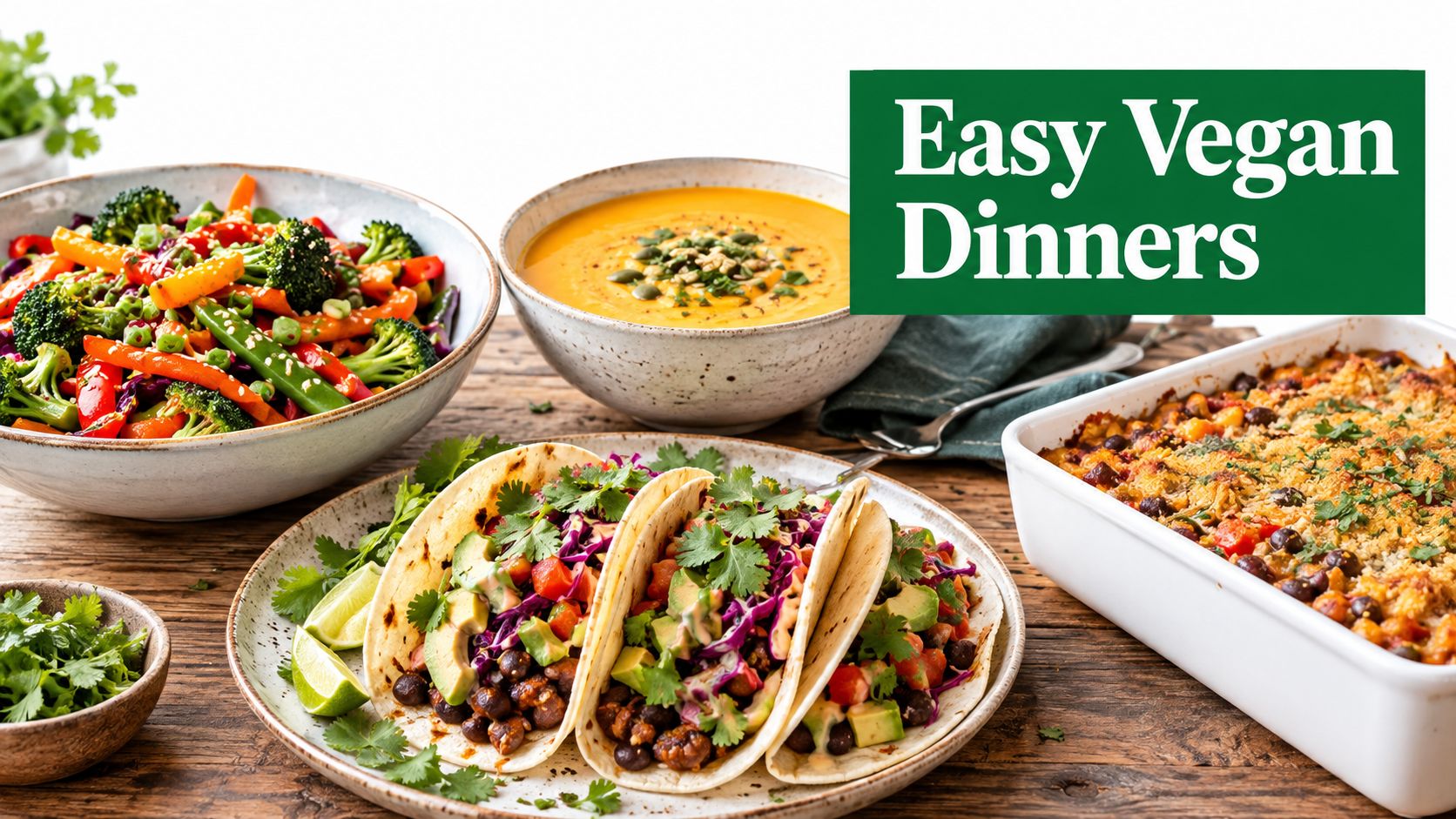
Switching to a plant-based diet means rethinking your grocery staples. A dedicated "Plant-Based Proteins" section is non-negotiable. Instead of a generic "Meat" category, your list will now feature items like:
- Tofu and tempeh
- Lentils (green, red, brown)
- Canned beans (chickpeas, black beans)
- Edamame and plant-based sausages
Your "Dairy" section gets a similar makeover. Create a subcategory for "Dairy Alternatives" to organize things like almond milk, soy yogurt, and vegan cheese. Don't forget to add nutritional yeast to your "Pantry" section for a cheesy, savory flavor.
How do I build a list for a keto lifestyle?
Going keto completely flips your macronutrient priorities, and your weekly grocery list template has to reflect that. Your "Produce" section should be heavy on leafy greens like spinach and kale, plus essentials like broccoli, cauliflower, zucchini, and bell peppers. High-carb vegetables like potatoes and corn get kicked off the list entirely.
A well-structured keto template makes it easy to stay in ketosis by ensuring your kitchen is stocked with compliant foods and free from high-carb temptations. It takes the guesswork out of every shopping trip.
The "Fats & Oils" category becomes the star of the show, featuring staples like avocado oil, coconut oil, and butter or ghee. Your "Snacks" section will also need an update to include things like avocados, macadamia nuts, seeds, and pork rinds.
How do I design a template for a busy family?
Shopping for a family brings its own brand of chaos. Your template needs to account for school lunches, endless after-school snacks, and picky eaters. A dedicated "Lunchbox" category is a total game-changer, holding items like:
- Juice boxes or water bottles
- Individual yogurt cups or cheese sticks
- Pre-packaged snacks like crackers or granola bars
- Sandwich bread and deli meats
You'll also want to beef up your "Bulk Buys" section. Families can save a ton by getting items like cereals, pasta, and snacks from warehouse clubs. For more ideas, explore our guides on meal planning.
How can I add custom columns for advanced tracking?
If you're ready to take your template to the next level, adding custom columns is the way to go. This is where a digital spreadsheet format really pulls ahead of pen and paper.
A few powerful columns you can add include:
- "Estimated Cost" Column: This is a huge help for staying on budget. As you build your weekly list, plug in the approximate price of each item to see a running total.
- "Macros" Columns (P/C/F): If you're tracking your protein, carbs, and fats, adding these columns lets you plan your shopping around hitting specific nutritional targets.
- "Check When Out" Column: On your master template, this is a simple checkbox. Whenever you notice you're running low on a staple during the week, just tick the box. Your next shopping list practically writes itself.
How can smart strategies lower your grocery bill?

Think of your template as the foundation—the real power comes from layering on smart shopping strategies that can genuinely slash your spending and cut down on waste. This means leveraging sales, planning for ingredient reuse, and weaving deals directly into your weekly plan. This is how your weekly grocery list template goes from a simple checklist to a core part of your household’s financial toolkit.
Cut costs with strategic stocking
“Strategic stocking” is the art of buying items when they’re on sale without accidentally becoming a hoarder. The key is to identify your true, long-lasting staples—pantry goods and frozen items—and buy just enough to get you to the next sale cycle.
Here’s how to do it right:
- Know Your Staples: Identify non-perishable items you use week in and week out, like olive oil, canned tomatoes, pasta, rice, and frozen veggies.
- Track the Sale Cycle: Most supermarkets rotate sales on a 6 to 8-week cycle. When your go-to pasta sauce is half-price, buy enough to last for that period, not a year.
- Use Your Template: Add a "Stock-Up" section to your master template. This is where you can list items to watch for on sale, keeping them top-of-mind.
Master ingredient overlap
Ingredient overlap is a simple but brilliant concept: you intentionally plan different meals around a shared set of core ingredients. This is one of the most effective ways to make sure every single item you bring home gets used, which drastically cuts down on food waste. For example, a whole chicken can become a roast dinner, chicken salad sandwiches, and homemade stock for soup.
By planning for ingredient reuse from the very beginning, your grocery list naturally becomes leaner and more efficient. You're no longer just buying food for recipes; you're buying versatile components for an entire week of meals.
Before you finalize your list, look at your meal plan and ask yourself, "How can I use this ingredient more than once?" For more advanced techniques, our guide to building a grocery list on a budget offers some great additional tips.
Weave in flyers and digital coupons
Your weekly grocery list template is the perfect place to integrate flyers and digital coupons. Instead of clipping coupons aimlessly, you can match them directly to what you already plan to buy.
Here’s a straightforward method:
- Review Flyers First: Before finalizing your list, spend 10 minutes scanning the weekly ads for your go-to grocery store.
- Match Deals to Your Plan: If chicken breasts are on sale and on your plan, great. If pork chops are at a deep discount, consider swapping a meal to take advantage of the savings.
- Create a "Deals" Section: On your weekly list, make a specific spot for "Weekly Deals" to jot down the sale items you plan to buy.
This focused approach ensures you only chase deals that genuinely fit your needs. For a deeper dive, check out these actionable Top 10 Ways to Save Money Grocery Shopping.
How can technology put your grocery list on autopilot?

The real goal is to spend less time managing lists and more time enjoying food. This is where technology steps in, bridging the gap between a static piece of paper and a truly automated system that gives you back your time and mental energy. Imagine a system that knows what you like to eat, builds a perfect meal plan for you, and then instantly creates the shopping list.
What are the limits of manual templates?
Even the most organized weekly grocery list template has a ceiling. You're still the one doing the heavy lifting—checking the pantry, cross-referencing ingredients for every recipe, and adding up the quantities. While this system keeps you from winging it, it’s a time sink. For managing all your household chores, a recurring task app can be a lifesaver. But for the meal planning process itself, a more integrated solution offers even bigger wins.
How does AI elevate grocery list creation?
Smart platforms like the AI Meal Planner at https://ai-mealplan.com/onboarding really change the game. Instead of you filling out the template, the technology does it for you. It starts by building a balanced meal plan based on your unique dietary needs, fitness goals, and food preferences. Then, with a single click, it generates the complete grocery list to match.
The real breakthrough is when your grocery list is no longer a document you create, but a dynamic output generated from your personalized meal plan. It shifts the work from you to the technology.
This automated approach calculates the exact quantities required for your recipes, plans for leftovers to be used in other meals, and even groups everything by store aisle to make your shopping trip incredibly fast.
Can technology integrate with grocery delivery?
Absolutely. Modern meal planning apps are designed to connect directly with online grocery services, turning your list into a filled shopping cart ready for delivery or pickup. By mid-2025, around 61% of U.S. households were buying groceries online. The whole process is brilliantly simple:
- Your AI-powered meal plan is created.
- The smart grocery list is automatically generated from that plan.
- You send the list directly to your grocery service of choice (like Instacart, Walmart, or Kroger).
- Your online cart is pre-filled, ready for you to review and check out.
This can turn a multi-hour weekly chore into a five-minute task on your phone, putting your grocery planning and shopping on true autopilot.
What are common questions about grocery list templates?
Here are quick answers to the most common questions people have when creating and using a weekly grocery list template.
What is the best format for a grocery list template?
The best format is the one you will consistently use, whether it's a printable PDF, a Google Sheet, or a notes app. For maximum efficiency and automation, a dedicated meal planning app is the superior choice.
How often should I update my master template?
Review your master template every few months or whenever you have a major life change, such as a new diet or a change in household size. This keeps your core list of staples accurate and prevents clutter.
Should I organize my list by recipe or by store aisle?
Always organize your final shopping list by store aisle, not by recipe. This creates a clear path through the store, eliminates backtracking, and makes your shopping trip significantly faster and less stressful.
How do I handle weekly specials with a template?
Add a blank section to your template labeled "Weekly Deals." Before you shop, scan the store's flyer and add any relevant sale items to this section to take advantage of savings without disrupting your organized list.
Can I use a grocery template for online shopping?
Yes, a digital template is perfect for online shopping. A list organized by store aisle is especially effective, as the categories on your list will align with the categories on the grocery store’s website.
How does a template help with food waste?
A template forces you to plan your purchases around your weekly meals and what you already have. This intentional buying prevents you from purchasing duplicate items or ingredients you don't have a plan for, directly reducing food waste.
Is it better to create one big list or multiple small ones?
Create one master template that contains all your potential staples. Each week, create a new, smaller shopping list by selecting only the items you need from that master list based on your meals and current inventory.
Ready to skip the list-making altogether? AI Meal Planner uses your food preferences to instantly generate a complete meal plan and the perfectly corresponding grocery list, sorted and ready to go. Start automating your grocery planning today.
AI-powered nutrition
Get Your Personalized Meal Plan
AI creates the perfect meals for your goals, lifestyle, and taste.
Start Your Journej